The air conditioning unit, when turned on cooling mode it naturally dehumidifies the room, this is because cool air is naturally drier. Still if you want to dehumidify the room without cooling it, you can run the air conditioning unit in dry mode, doing this will convert your AC into a dedicated dehumidifier.
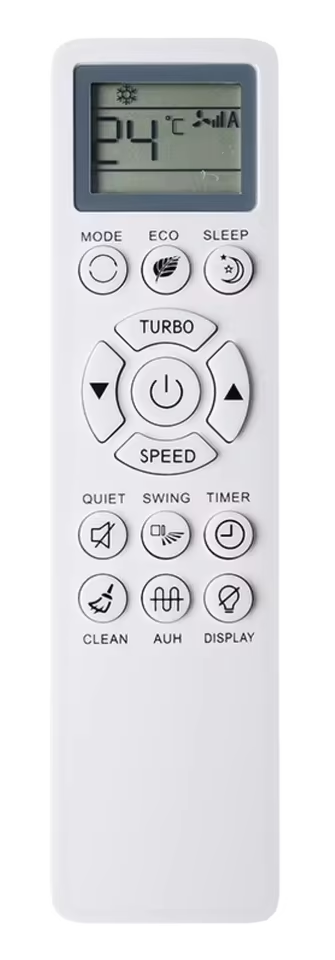
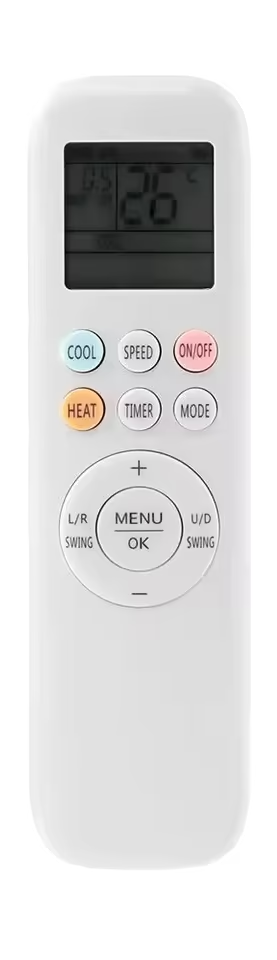
There will be a button labelled as “Dry” on some remote controls, for example the latest Haier AC controllers. Mostly you have to navigate through the “mode” button to look for the dry mode, look for a water droplet icon, it is commonly used for the dry function.
Unlike its competitors Panasonic tries to fill up the AC remote control panel with dedicated buttons for almost every function that the AC unit offers. One of those buttons is a dedicated reset button. The company even went as far as including two reset buttons in one of the remote control models, one to reset the controller and another to remotely reset the AC unit.
You can reset the Panasonic AC remote control by pushing the reset button/pinhole for 5-10 seconds, for the model that offers two reset pinhole buttons press the one labelled as “RC”. You can use a toothpick, sim ejection tool, or a paper clip to press the pinhole reset button.
Additionally you can also use the universal AC remote control reset method. You just need to remove the batteries of the controller for 5-10 minutes, doing this you can reset any brand or model AC remote control.
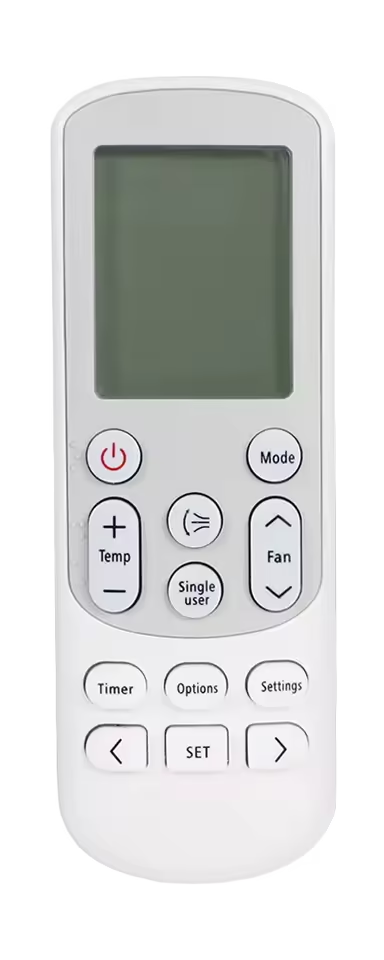
Samsung follows a minimalistic approach when designing its AC remote control. The controllers are compact in size and offer one of the smallest button range, they try to fit all their AC functions in less number of buttons. As the controller does not feature a lot of buttons, the dedicated reset button is also absent.
To reset the Samsung AC remote control to factory default settings, you need to remove the battery cells for 3-5 minutes. Do this when the remote is in powered On state. When you will reinsert the batteries the first screen will flash all the features and modes all at once, indicating a reset, and the remote will start at auto mode.
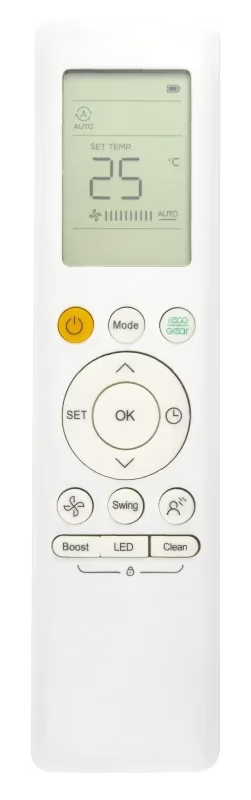
The Midea group follows a uniform and consistent AC remote control design. Most of the models come with the same remote control, there might be variations if you have an older model AC. The latest generation Midea AC remote control does not feature a dedicated reset button on the front panel.
To reset the latest Midea AC remote control settings to factory default, you need to remove the battery cells from the controller and wait for 3-5 minutes. For the most effective results press the power button 5-7 times before reinserting the batteries again.
Daikin is the world’s leading AC manufacturer, and over the years the company has designed multiple unique variations of its AC remote control. From plain to slider and folding body style, from simple to complex button layout and functionalities. Daikin has done it all and experimented with every design. Some Daikin AC remote control models feature a reset button pinhole in the bottom front of the panel and some at the upper back, and there are many that do not feature a reset button at all. So how can one reset it, without getting confused. There are two most common methods to reset any AC remote control in the world regardless of its brand, model or functionalities.
(a) If the remote control has a button that is labelled as “reset” or a pinhole, that is also labelled as reset, ACL (all clear), or the pinhole will not be labelled at all. Press that button or pinhole (using a toothpick or paperclip) for 5-10 seconds that will reset the setting of your remote control to factory default.
(b) If your Daikin remote control does not feature a reset button, you can reset it by removing its batteries for 3-5 minutes. For the most effective results try doing it with the controller powered on, and pressing any button on the panel afterwards. (This method can also be used with controllers that feature a dedicated reset button/pinhole)
The latest smart AC remote from ChangHong-Ruba with all the bells and whistles of the latest generation AC technology does not offer a reset button. To reset that remote control we need to completely drain it out of electricity, for that reason we need to remove its battery for 3-5 minutes. This method can be used for any other remote control that does not feature a reset button.
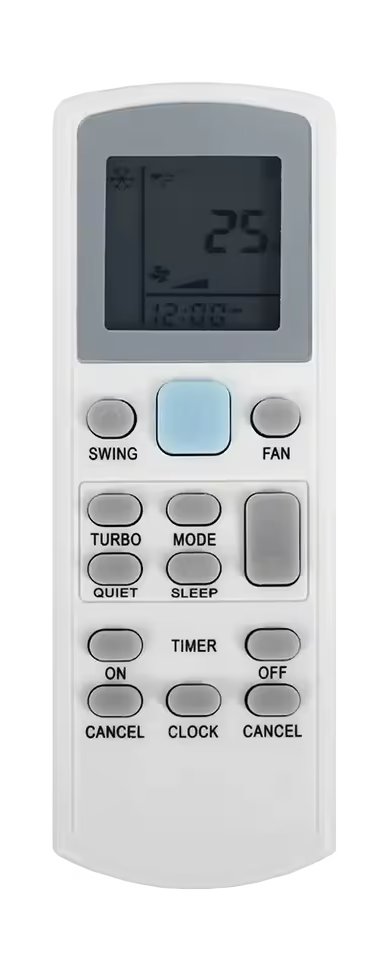
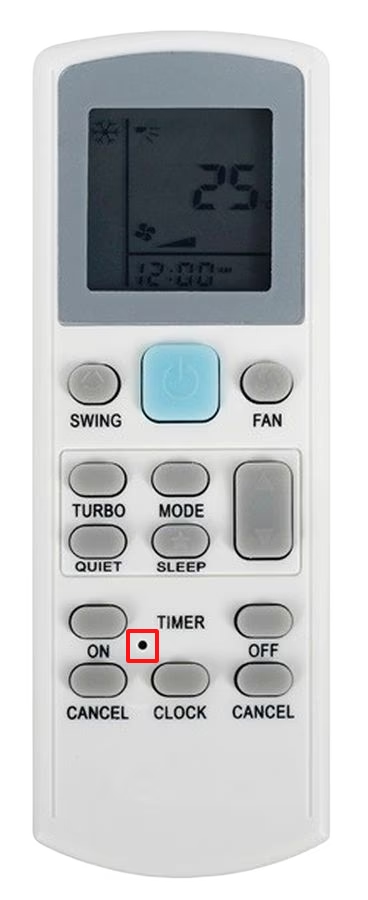
To reset Acson AC remote control settings to factory default, you need to use the method described below. If you have a remote control that resembles the one in the image below, then use a toothpick, paper-clip or sim ejection tool to press on the reset button pinhole that is above the button labelled as “clock”. Press the button for 5-10 seconds to reset the settings to factory default.
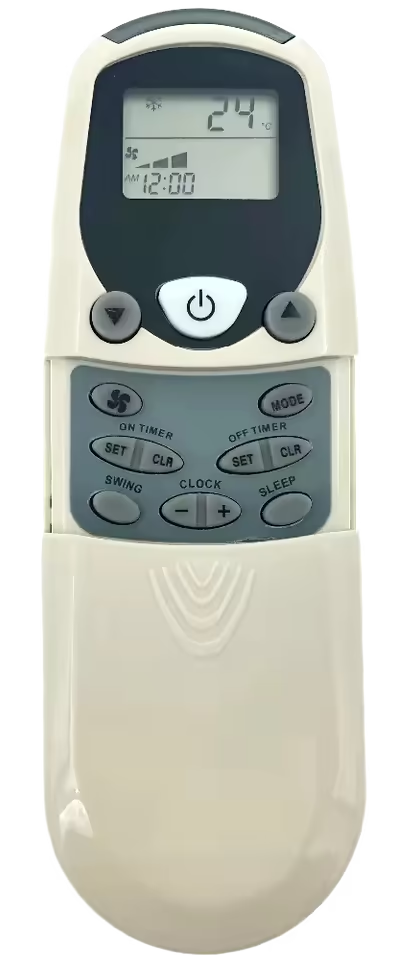
If you have any of the following Acson AC remote control in the images below. These remote controls do not feature a reset button, for these controllers we should use the universal method for the reset of settings to factory default. Remove the batteries of the controller for 2-5 minutes and then reinsert them afterwards, doing this will drain all electric power from the controller resulting in a reset. This method can be used for any Acson AC remote control, even if the model is not mentioned in this post.
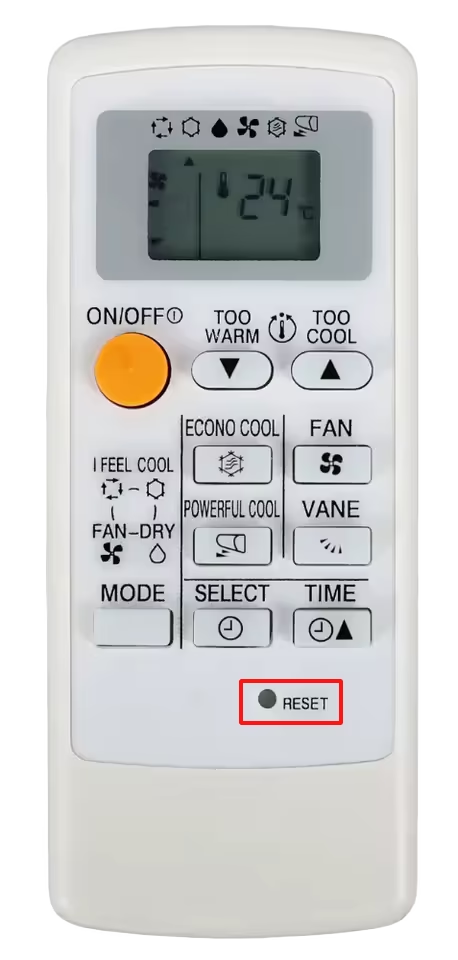
It is very easy to reset Mitsubishi AC remote control settings, as almost every AC remote control the company has developed comes with a pinhole style reset button. Only the position and the labelling of the pinhole gets changed with the AC model. Some models label the button as “reset” and the button is placed on the front side at the middle bottom, other models have it at the front side at the bottom right corner with the label “ACL” Pictures are attached below for reference.
To reset the Mitsubishi AC remote control press the pinhole reset button for 5-10 seconds using a paper-clip, toothpick, or sim ejection tool.
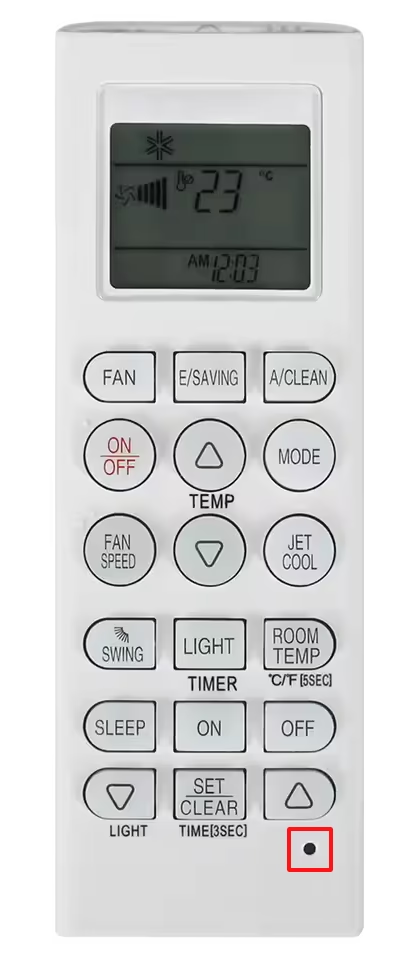
The latest LG inverter AC remote control features an unlabeled pinhole button in the bottom left corner of the remote control. You can use that button to reset your LG remote control settings to factory default. Press the reset pinhole button for 5-10 seconds using a toothpick, paper-clip,or sim ejection tool.
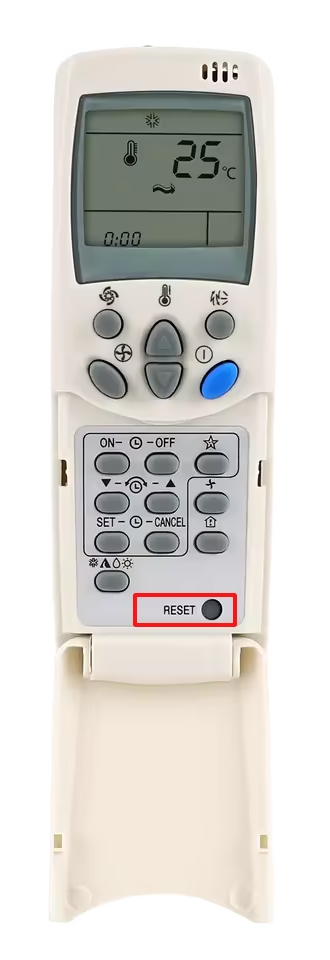
For the older LG Plasma AC remote, the reset pinhole button is placed in the bottom right corner, the button is also labelled “Reset”.
To reset the EcoStar AC remote control setting we need to use the universal method that enables us to reset any AC remote control. Take out the battery cell from the back of the remote control, then wait for at least 2-3 minutes. This will deplete the controller of any remaining electric current resulting in an auto reset. After you insert the batteries back into the controller, you will notice that the controller screen will flash all the functions on the first start; that indicates a reset, and the controller starts in auto mode.