Blog

  • How to Reset HiSense AC Remote Control Settings

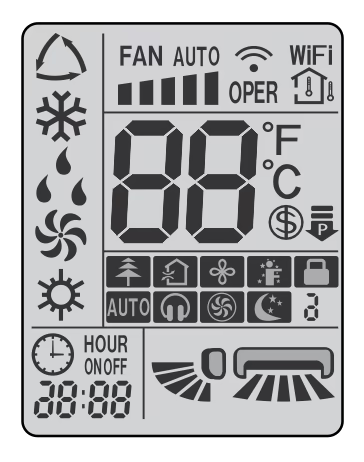
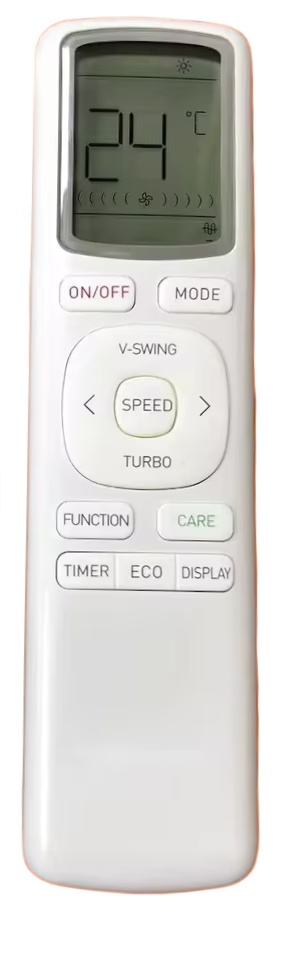
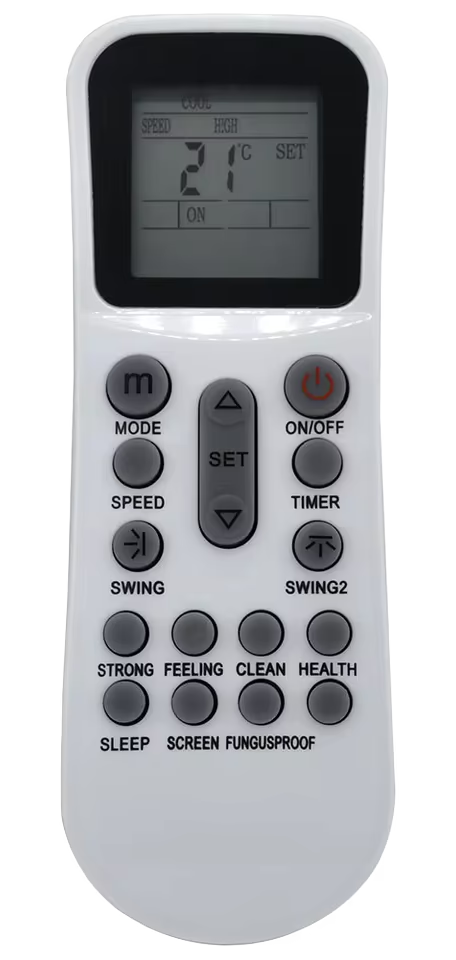
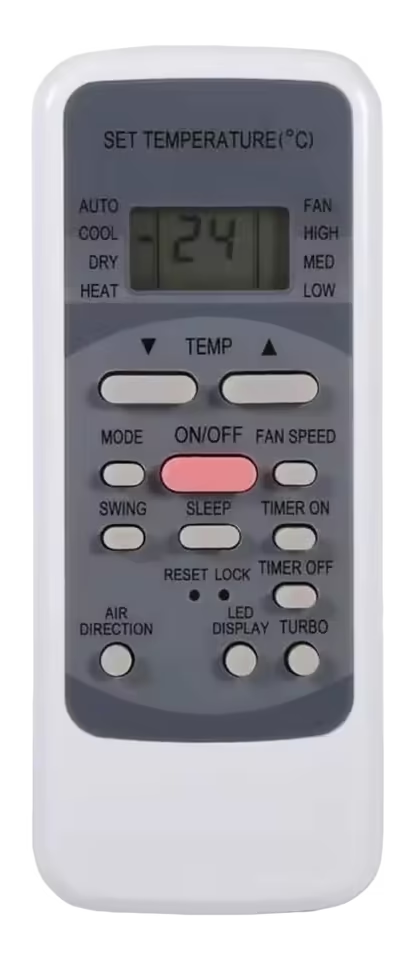
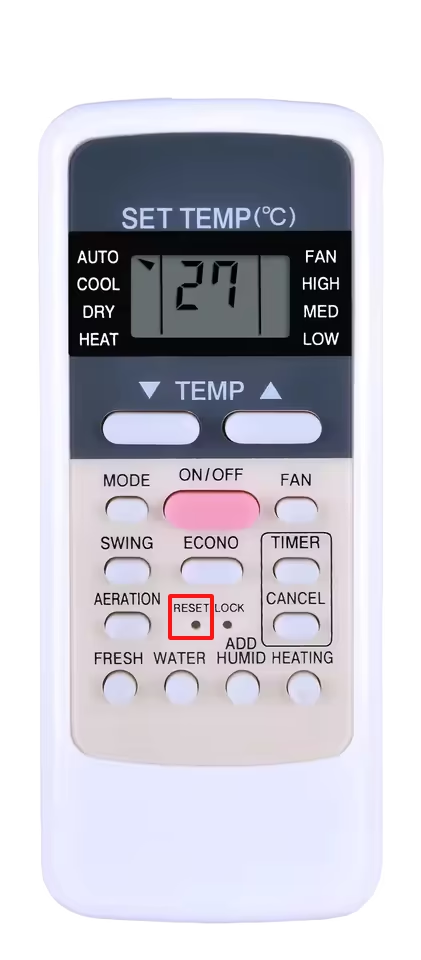
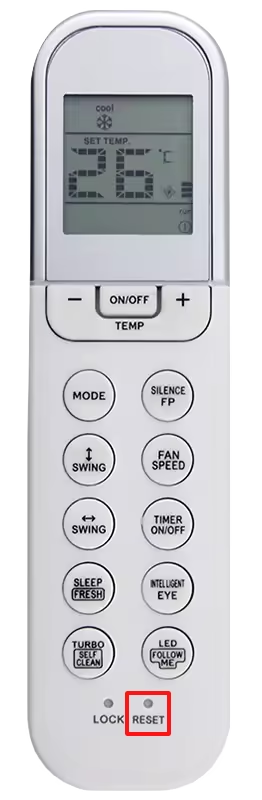
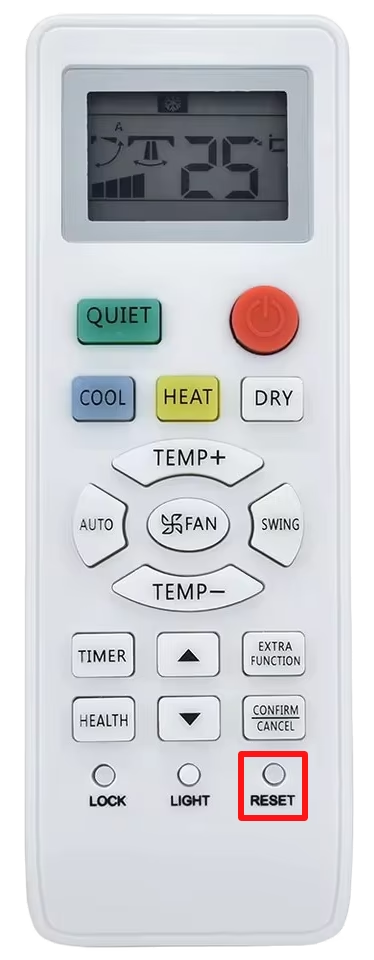
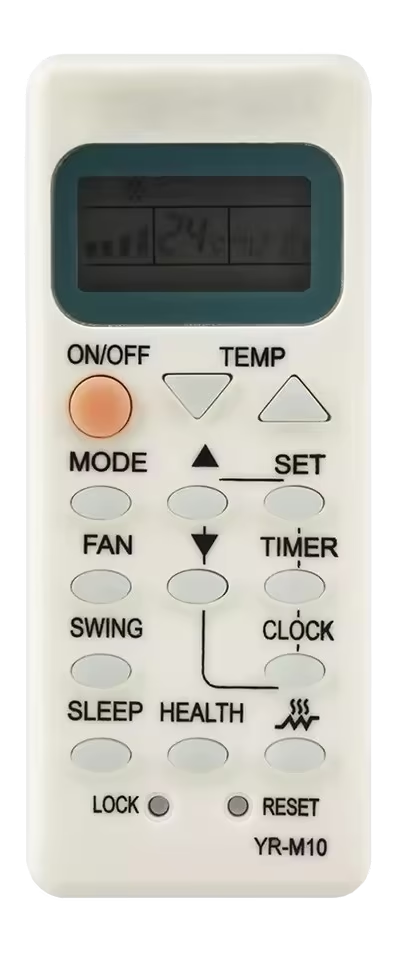
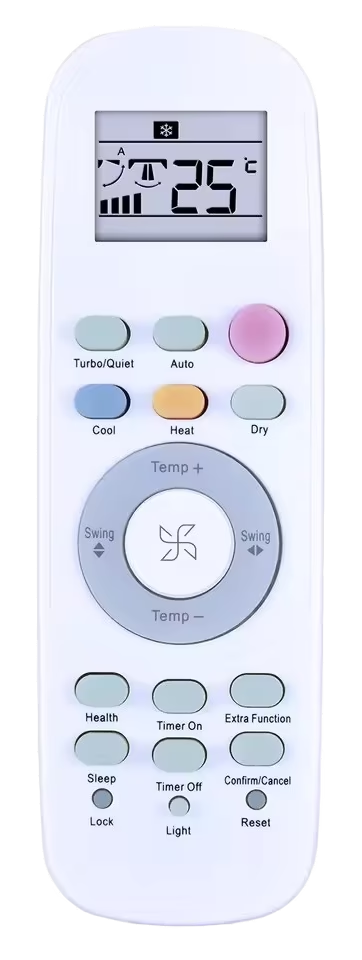
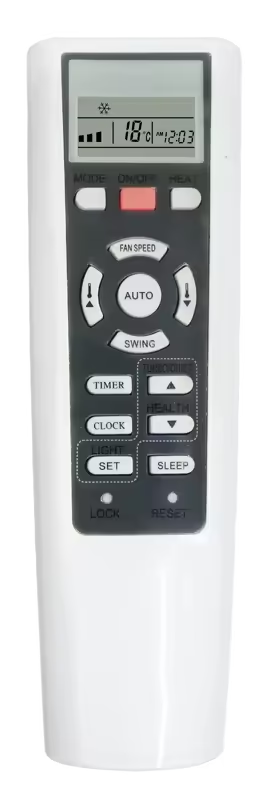
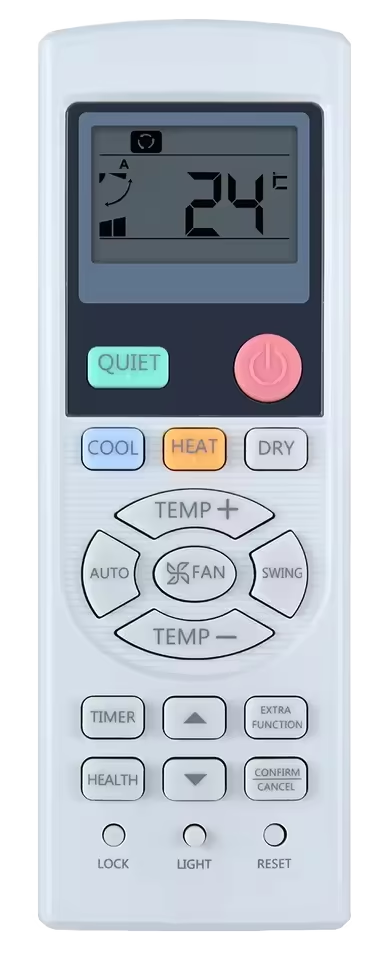
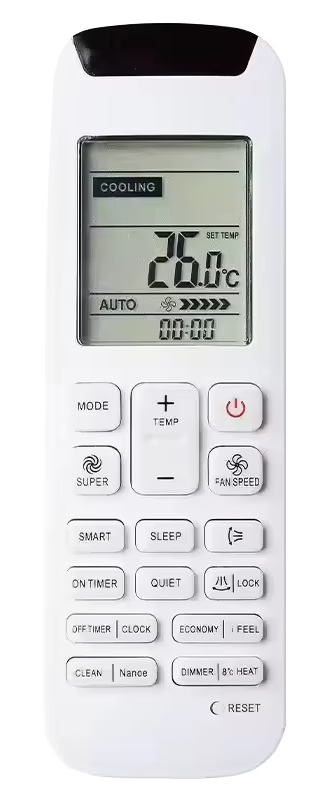
    To reset the HiSense AC remote control setting to factory default, you need to look for a reset button. The reset button is located at the front, after the last row of buttons, it will be labelled as “reset”. To press the button you need to use a pencil, toothpick, or paperclip. Press it for 5-10 seconds then release. Your HiSense AC remote will be reset and start in auto mode.
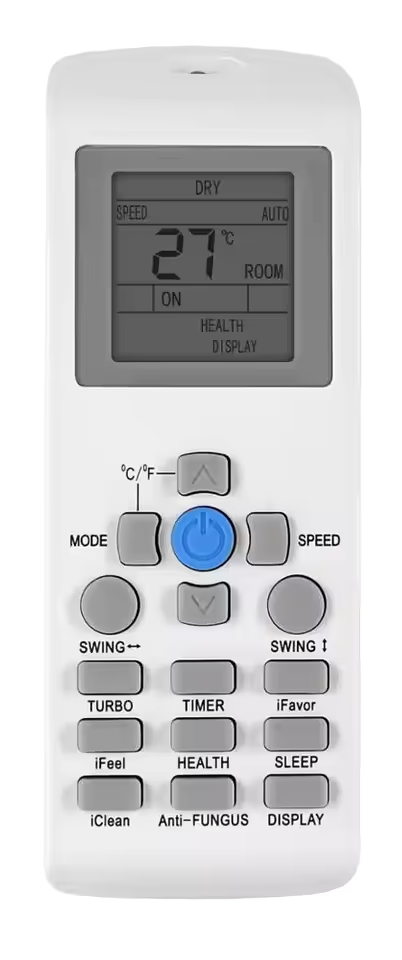
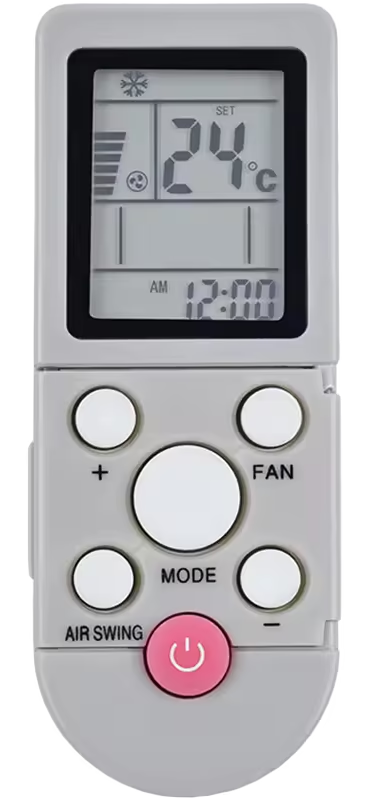
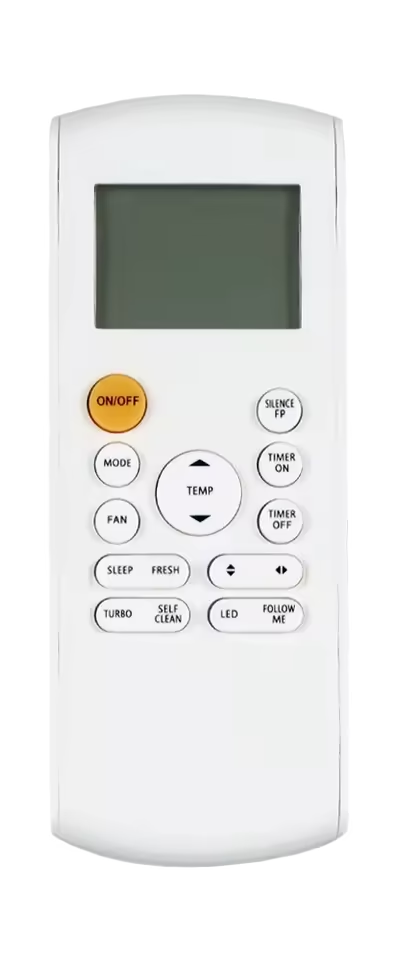
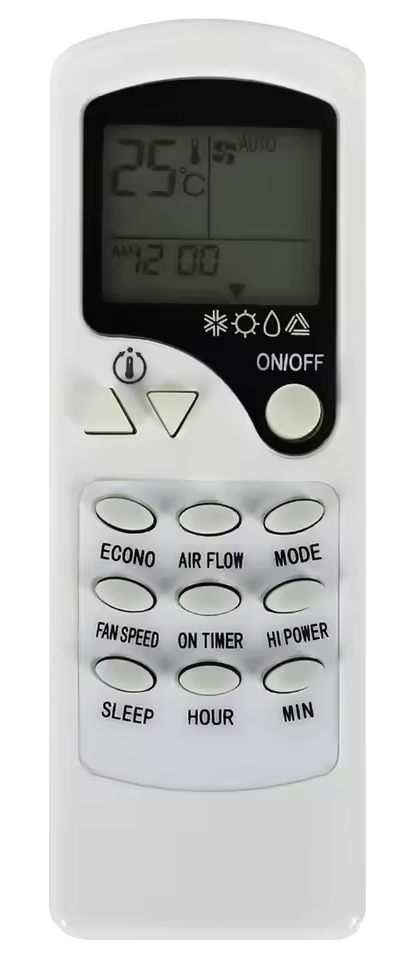
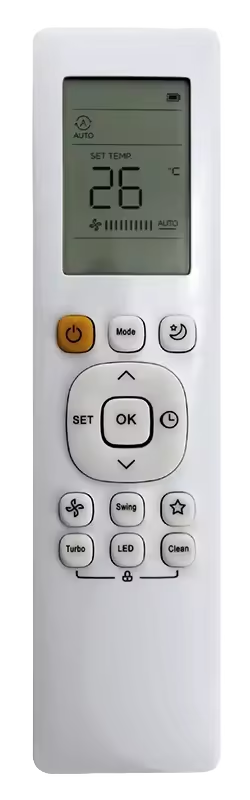
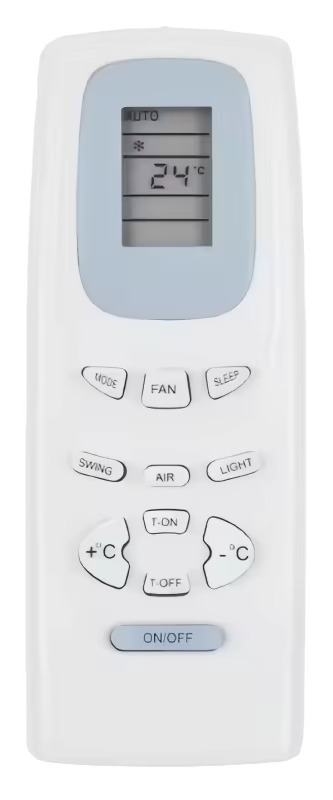
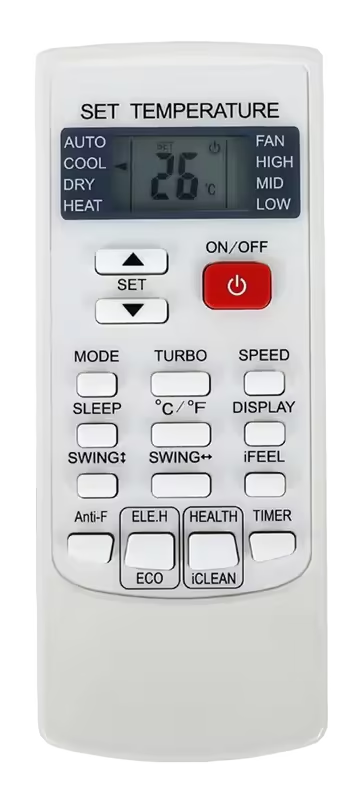
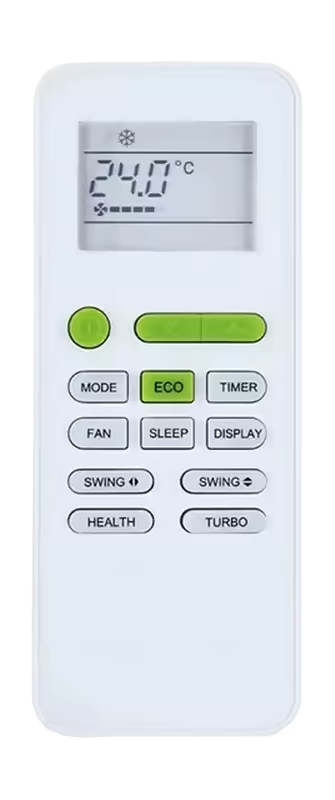
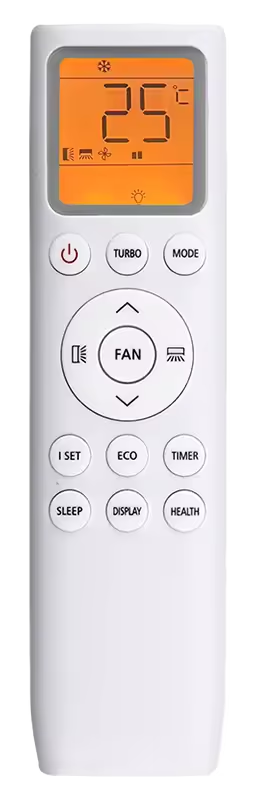
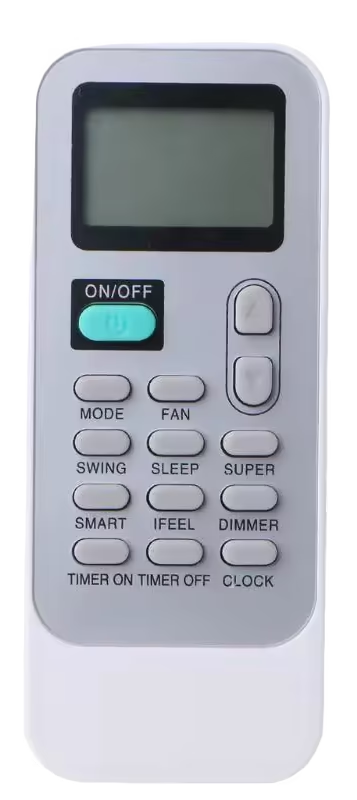
    If your HiSense AC remote control does not offer a reset button as many HiSense models don’t, you can reset it using the universal method of resetting a remote control. The universal method can be applied to any brand and model. Take out the battery cells, and let it stay for at least 3-5 minutes, in that time period the controller will be drained of all energy and could not hold settings configuration, and will automatically go to factory reset settings. Then reinstall the batteries. Following are the models that will require you to use this method.

  • How to Reset Orient AC Remote Control Settings

    To reset the Orient AC remote control all you need to do is to remove the batteries located on the lower backside of the controller. After 1-2 minutes re-insert the batteries, and turn on the remote control. It will display a screen similar to the following image below, and start in auto mode.

    Following are the models best suitable for the method described before.

    Some older models feature a pinhole style reset button in the lower middle of the remote control. To reset those you just have to press that reset button for 5 to 10 seconds, and that’s it your remote will be in factory settings. You can use a sim ejection tool to press in the pinhole reset button.

  • How to Reset Kenwood AC Remote Control Settings

    Kenwood does not follow a uniform AC remote control design. From the form factor to button layout every aspect of the remote controls varies from one another. So there is no one way to reset it. Almost every Kenwood AC remote control in the market does not offer a reset button/pinhole; except for a few selected ones. That is why we will be discussing two different methods to reset them. Use the pictures below as a guide for which methods suit you the best.

    (a) Remove the batteries from the controller for at least 1-2 minutes, then insert them back again. For the most effective results do it when the remote is in powered ON state. (This is a universal method and will work for any remote control irrespective of model and brand)

    (b) Press on the reset button/pinhole, which is placed in the bottom right corner (labelled as reset), do it using a paperclip, toothpick or sim-ejection tool for 5-10 seconds.

  • How to Reset PEL AC remote control settings

    PEL has a straight forward and basic AC remote control design, all their remote controls are boxy and compact in size. Yet PEL does not use a uniform button layout and design language, due to this reason not all PEL AC remote controls function in the same manner. Almost every controller is without a reset button except, one or two models, that’s why we will discuss two methods for resetting the PEL AC remote control.

    (a) Press the reset button in the second last row (as seen in the image below) using a paperclip, toothpick, or a sim ejection tool.

    (b) Remove the batteries of the controller for 30-60 seconds, for the most efficient results perform this activity when the remote is powered ON.

  • How to Reset Dawlance AC Remote Control Settings

    There is no single method to reset every Dawlance AC remote control settings, as the company does not follow a uniform design language with their AC remote controls. The company offers variations of designs, patterns, shapes and sizes. Yet most of the remote controls available in the market (for both latest and older models), do not offer any reset button/pinhole. Only a few selected AC models get a remote that features a pinhole reset button at the bottom middle.
    In this post we will describe two different approaches to accomplish this task.

    (a) Press the pinhole reset button on the controller for 5-10 seconds with a paperclip or a sim ejection tool.

    (b) Remove the batteries of the Dawlance remote control for 30-60 seconds, then reinsert. This will reset all the settings.
    For better results remove batteries when the remote is in active state, and press the power button for 5-10 seconds after battery removal.

  • How to Reset TCL AC Remote Control Settings

    To reset your TCL AC remote control settings, you need to remove the batteries of the controller for 30-60 seconds with the controller still powered on. Then reinsert the batteries. Doing this will drain it out of any power that will auto reset the remote control settings. This is the only option available to reset any TCL AC remote, as most available TCL controllers in the market do not offer a dedicated reset button.

  • How to Reset Haier AC Remote Control Settings

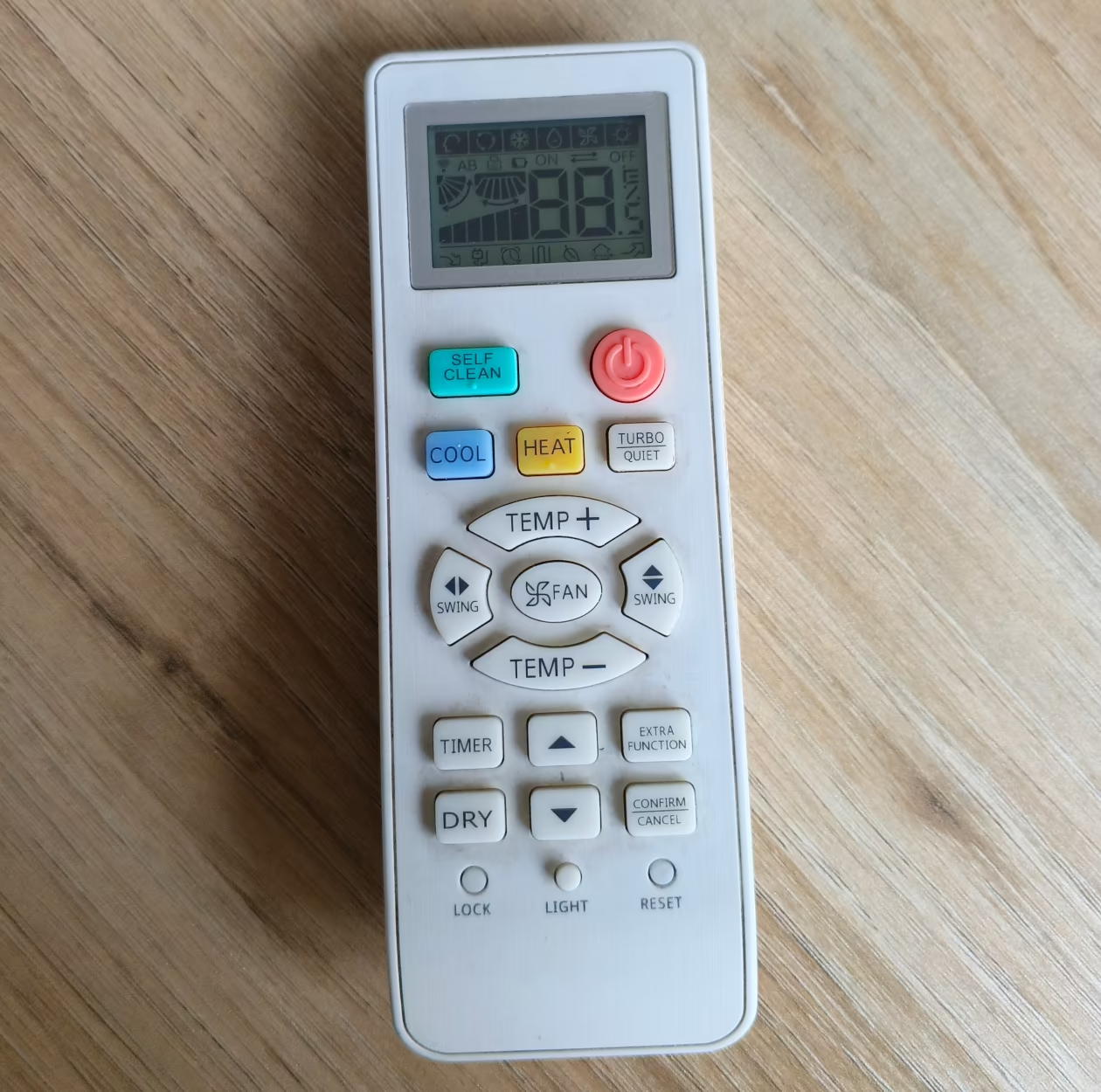
    It is very easy to reset Haier air conditioner remote control settings. Haier offers a basic and easily to use design of remote controls for almost all of their air conditioning units. The remote control offers a reset button on the bottom right hand corner (Some models offer a pinhole design button, in the same location).

    Use a match stick, paper clip, or sim ejection tool to press in the reset button for 2 to 5 seconds to reset the remote control.

    Images of older model remotes

  • How To Reset Gree AC remote control settings

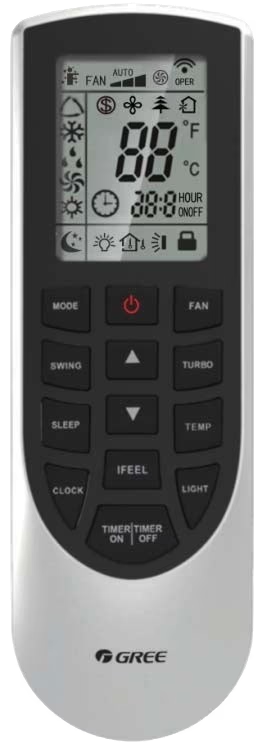
    To reset your Gree AC remote control settings you need to remove the batteries from the remote control and reinsert after 30 seconds. For the most efficient results remove the batteries when the remote control is powered ON. The remote control will start in auto mode, and the controller will have a screen similar to the following image.

    Almost all Gree AC remotes do not feature the reset button/pinhole, so the above described method will work for all of the models.

  • How To Reset AC Remote Control Settings

    How To Reset AC Remote Control Settings

    There are multiple methods to reset your AC remote control. We will share the three most common methods to reset any ac remote control settings. Not only that we shall also provide dedicated pages to different AC brand settings so that you may have a more direct approach to the solution you are looking for.

    1. Remove Batteries:

    The most common and which almost always works with all AC remote controls is to remove the batteries and wait for 10 seconds or more. It is most effective if you do it when the remote control is powered on. Additionally you can press the power button for 5 seconds to fully drain the power out of it. Then reinsert the batteries into the control, you will notice that all the settings are at default.

    2. The Reset button:

    Many AC remote controls feature a reset button anywhere on the remote (Look for your exact AC brand and model below to be precise), by pressing the button for 5-10 seconds you can reset your remote control. This is the easiest method out of all.

    3. Reset Pinhole:

    AC manufacturers often place a small pinhole on the front or back of your AC remote control, sometimes the word “reset” is mentioned on it. You can use a match stick, paper clip or sim ejection tool to poke in the hole, do it for 10-15 seconds and you will see your remote control will reset after that.

    Company specific information for resetting remote control.

    Below are the links to dedicated how to guide for every company mentioned, click on the logo to open that company reset guide.